Looking to switch from Prismm?
Moving Away From Prismm? Bring Your Existing Floor Plans Into Planur
If you have floor plan PDFs, blueprints, or venue drawings that you own or are authorized to use, Planur gives you a practical way to bring them into your new workflow, calibrate them to scale, and continue planning without starting over.
14-day free trial * No Credit Card Required
Watch the Switch
See the Prismm Switch in Action
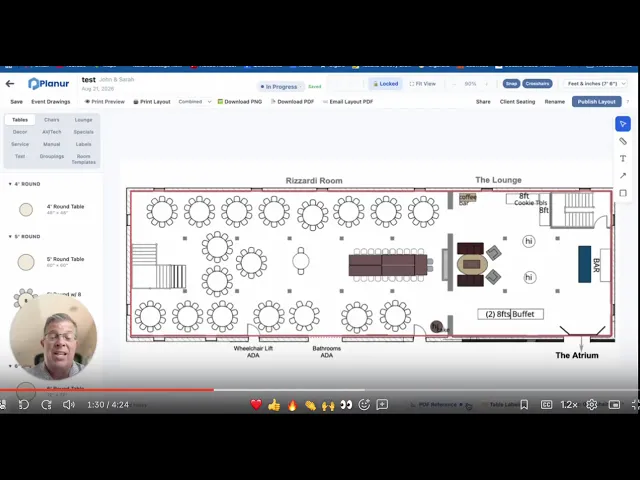
See how an existing floor plan PDF can be uploaded into Planur, calibrated to scale, and used as the foundation for future event layouts.
Switching Doesn't Mean Starting Over
Upload and Go
Upload Your Existing Plans
No Need to Rebuild
Your current plans stay exactly how you left them. Open them up and work on existing plans.
Drag and Drop Design
When you're ready, drop true-to-scale tables, chairs, stages and more.


The Switch to Planur
is Made Effortless
For coordinators and planners juggling a dozen moving pieces, switching should be the easiest part of your week.
Upload Your Plans
Bring Your
Plans With You
Upload your existing Prismm PDFs into Planur exactly as they are, and keep them organized by event or project — no reformatting, no lost detail, no do-overs.
Every floor plan you've already built in Prismm has your event details, your notes, your layout logic baked in. There's no reason to lose that. Upload the PDF into Planur and it stays exactly as you made it — full quality, fully intact — sorted under the event or project it belongs to, right alongside everything new you build going forward.


Project-Ready
Share It. Edit It.
Still the Same Plan.
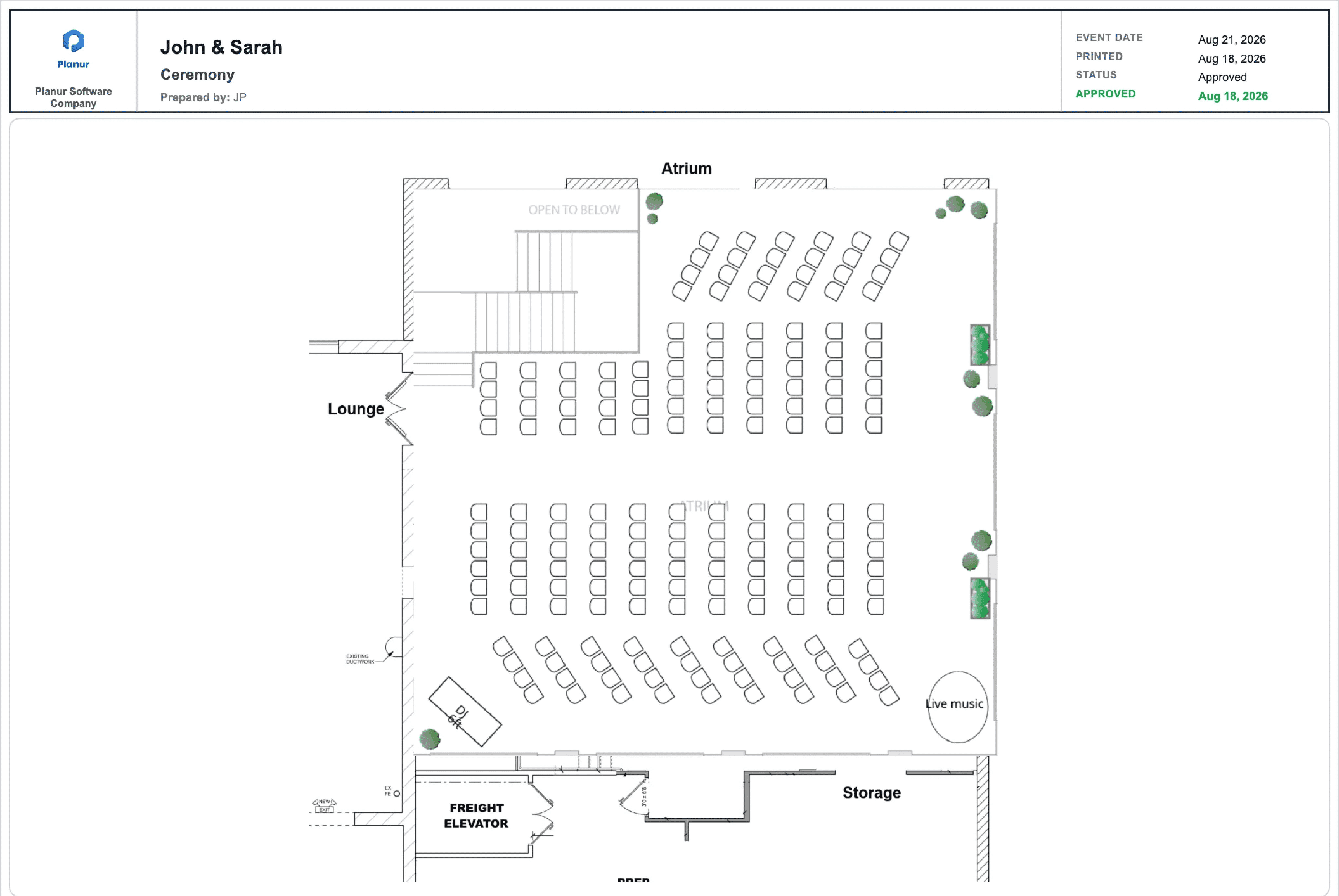
One upload does it all: client-ready printouts, a live link your team can trust, and true-to-scale objects whenever you're ready to build.

Client-Ready
Print your plan, save it, or send it out. Add your logo and event notes right where your client expects to see them.
One Link, Always Current
Skip the back-and-forth of emailing updated files. Send a live link to your team, clients, and vendors.
Make It Editable
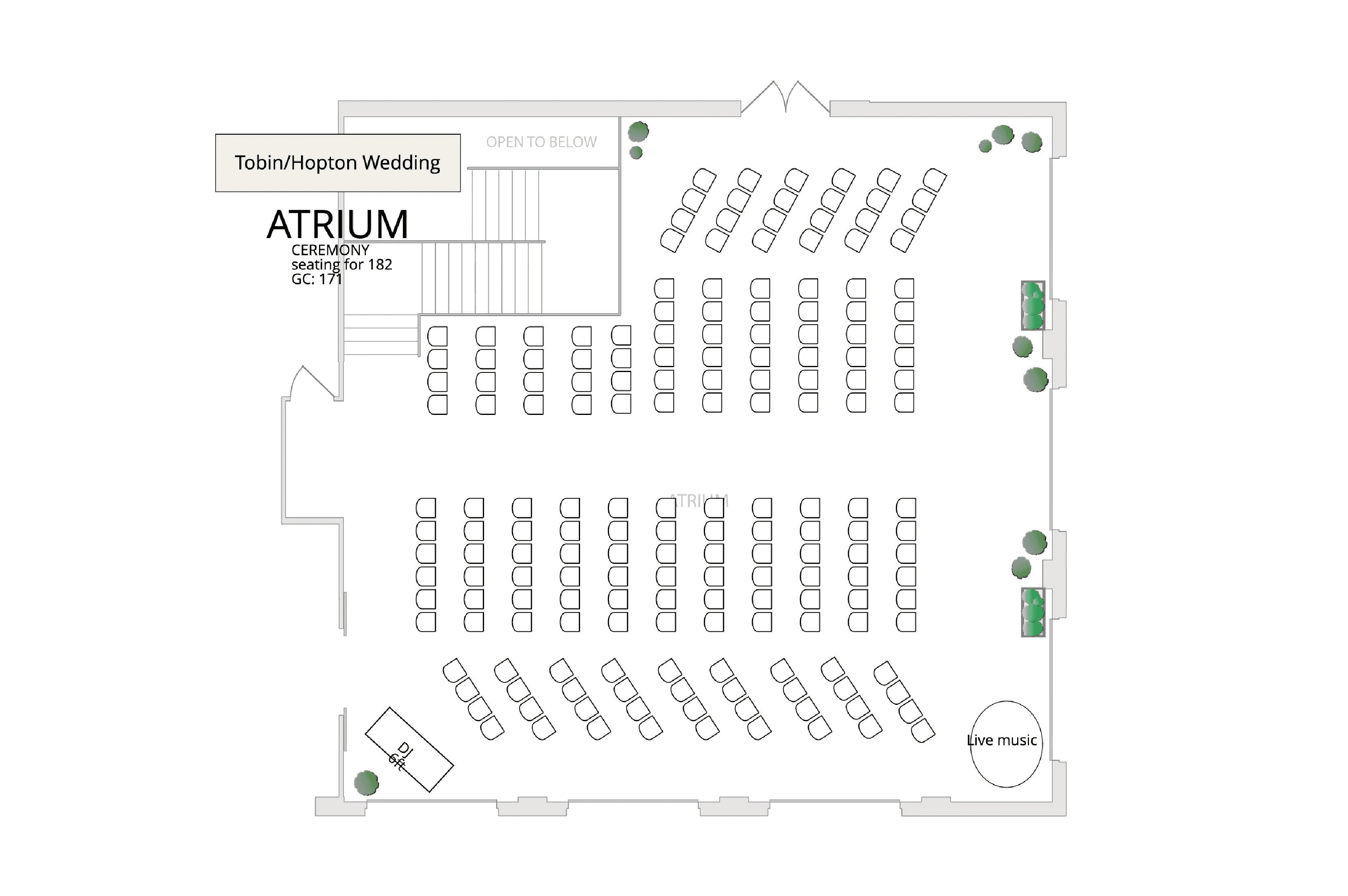
Drop true-to-scale tables, chairs, bars, and stages right onto your existing PDF. No need to rebuild from scratch.
Move Fast
Move Just as Fast Going Forward
Building a new layout doesn't mean starting from a blank page every time. Drag, drop, and reuse — Planur is built to keep up with how fast your week actually moves.
Native drag-and-drop tables, chairs, stages, and more make it fast to put together a new layout from scratch, without fighting the tool to get there.
Save it, reuse it. Once a layout's finished, save it as a template. Next time you've got a similar event, start from what already worked instead of building it all over again.
Testimonials
What Current Users Say



Hear from our trusted partner, Stevenson Ridge
"The setup process is incredibly easy. I was able to scale my venue plan and start designing floor plans in a matter of hours. J.P. has been great to work with. He is very responsive and helpful."
Jennifer Mackowski

Why Switch
Ready to Make the Switch? Book a Demo
If Prismm's changes have you weighing your options, move your plans over now, at your own pace, and you'll already be up and running by the time it actually matters.
FAQs
What kinds of events can I use Planur for?
Do I need design experience to use it?
How do I share layouts with vendors?
What if I need help getting set up?
What makes Planur different?